Turbofan cutaway · generated through MCP · 2,140 solids
CAD · Drawing · Simulation · Agent — in your browser
Model. Draw. Simulate. An agent in every step.
Parametric solids and G2 surfaces on a native kernel, engineering drawings, and structural, flow and mechanism studies — in one browser tab. Metal’s agent works with you in each step, or your own coding agent drives it through CLI and MCP.
Ask in chat at any point — while modelling, drawing or simulating. It uses the same tools you do, shows you what it looked at, and lands its changes as an undoable preview.
CAD
Parts, assemblies and surfaces.
Parametric solids and G0–G2 surfaces on a native kernel, mates, patterns and thousands of instanced bodies.
You
Sketch, extrude, fillet, shell, loft, blend
Assemble with standard and mechanical mates
Open STEP, IGES, Rhino .3dm and DXF
Agent
Generates parts and adds them to your assembly
Edits parameters and features of the model you have open
Looks, sections and measures — numbers from the kernel
You
“Measure this engine: fan diameter, overall length and how many fan blades. Then show me a section along its axis.”
Structural FEM, mold fill, internal air and external wind, and moving mechanisms — painted on the geometry with a legend.
You
Supports, loads and materials on picked faces
Fill time, speed and pressure fields
Joints, couplings and keyframed motion
Agent
Decides whether and how to simulate, and sets the study up in the right units
Runs it and paints the field from any view or section
Lists hot spots from the solver grid, with the solver's limits
You
“Run the filling study on this two-cavity mold and review the last-filled regions.”
Mold filling · front-speed estimate
simulation.runsimulation.viewmodel.material
You set how much it may do. Ask for approval, approve for me, or full access — in every workbench. Revisions, ownership and verification are checked by code either way.
02 · Surface quality
Continuity you can specify, not just eyeball.
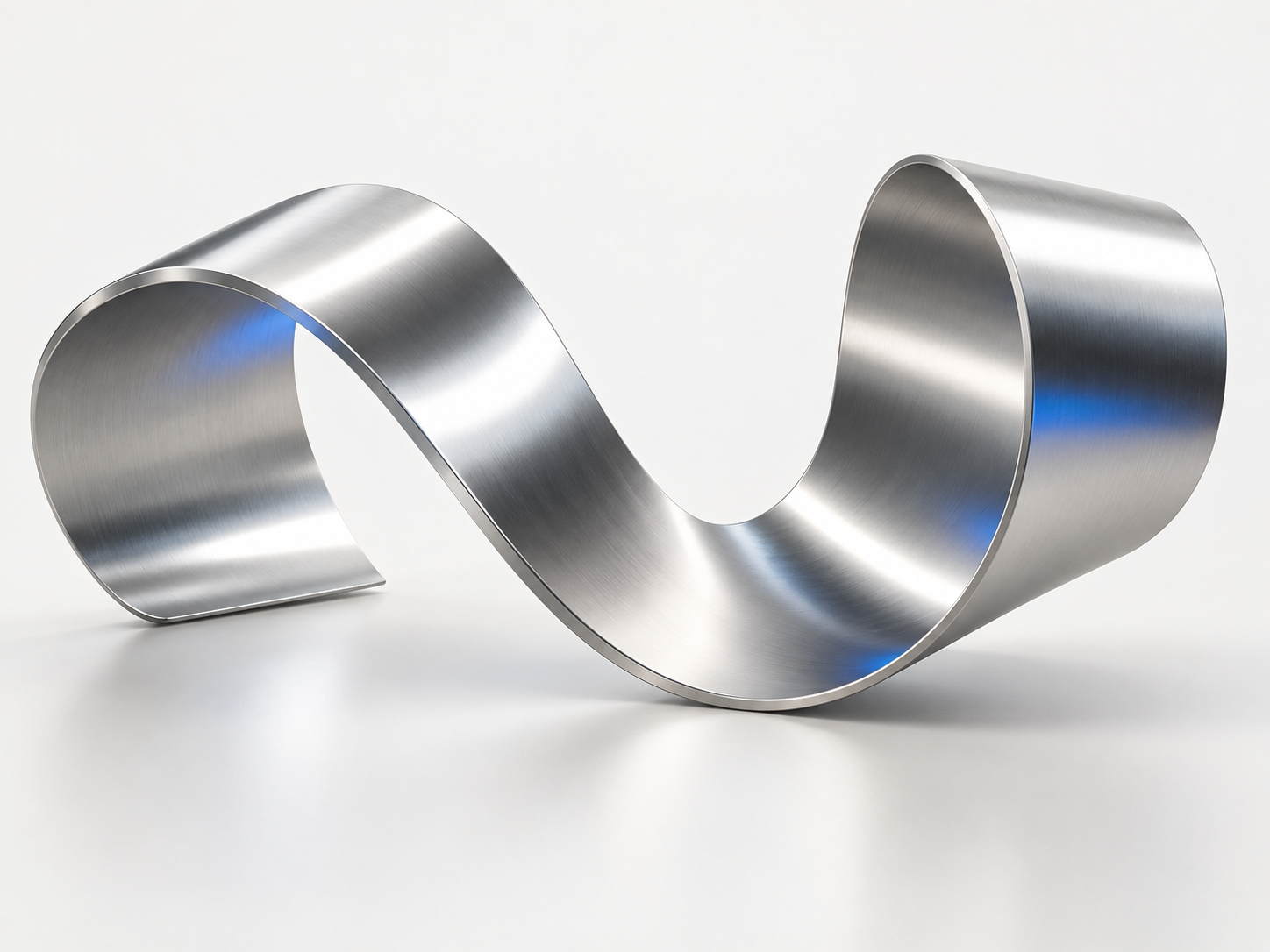
Fill and blend surfaces meet their neighbours with the continuity you choose. The combs below show curvature along each curve: a jump means a visible crease in reflections.
G0Position
Surfaces touch. Edges meet, directions don't — a sharp crease.
G1Tangent
Same direction at the seam. Smooth to the hand, but curvature jumps — highlights kink.
G2Curvature
Curvature carries across the seam. Reflections flow through without a break.
AI concept · not a CAD capture
FillPatch across edges and curves at G0, G1 or G2.
BlendBridge two surfaces with the continuity you set.
B-spline surfacesFrom a control net, with degree in U and V.
Sew, trim, extend, thickenClose surfaces into solids that simulate and draw.
03 · Workflow
One model, sketch to sheet.
Scroll through the loop. Drawings, the BOM and studies all read from the same model, so a change made once shows up everywhere.
01
Sketch, then features.
Parts are a feature history on a native CAD kernel — not a mesh. Change one number and the part, its assembly and its drawing rebuild.
Sketches on faces, planes and projected edges
Fillets, shells, drafts, splits, offsets
Named parameters and size tables
Agent Generates the part from a prompt or edits the one you have open.
floorH · 3× speed · fixed camera
02
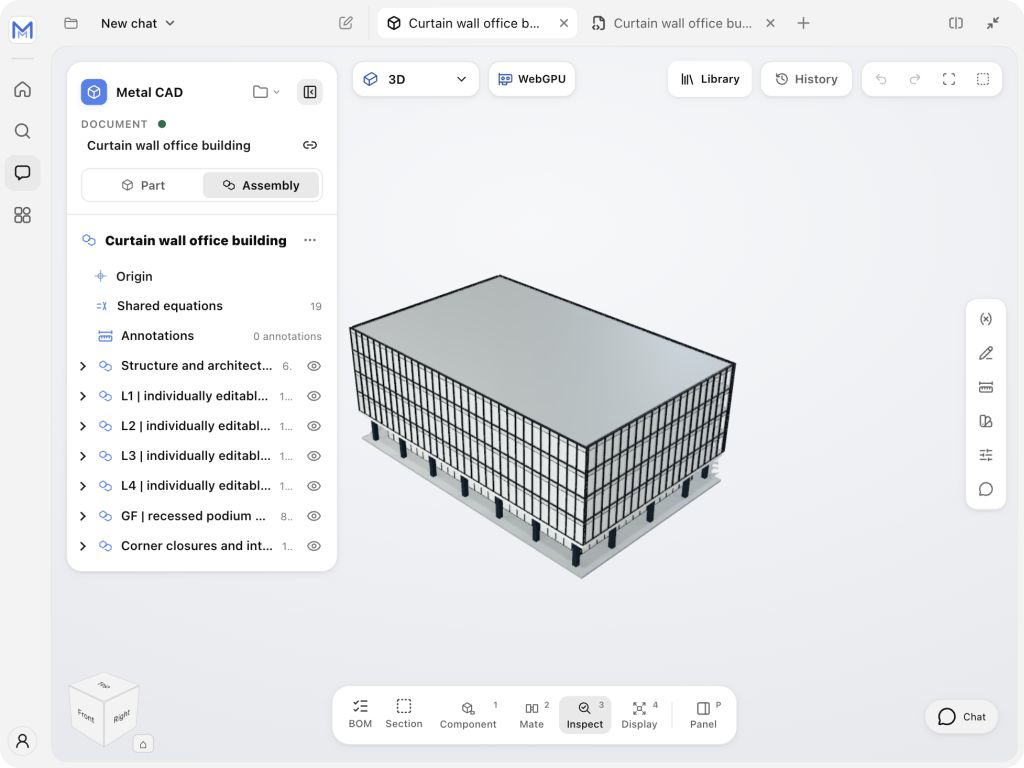
Assemble at building scale.
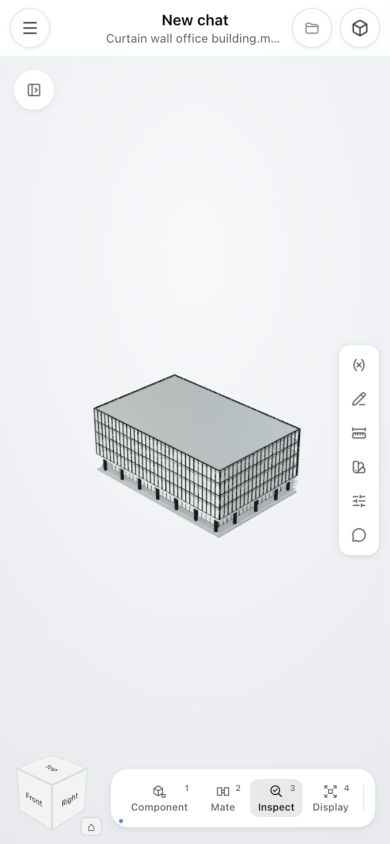
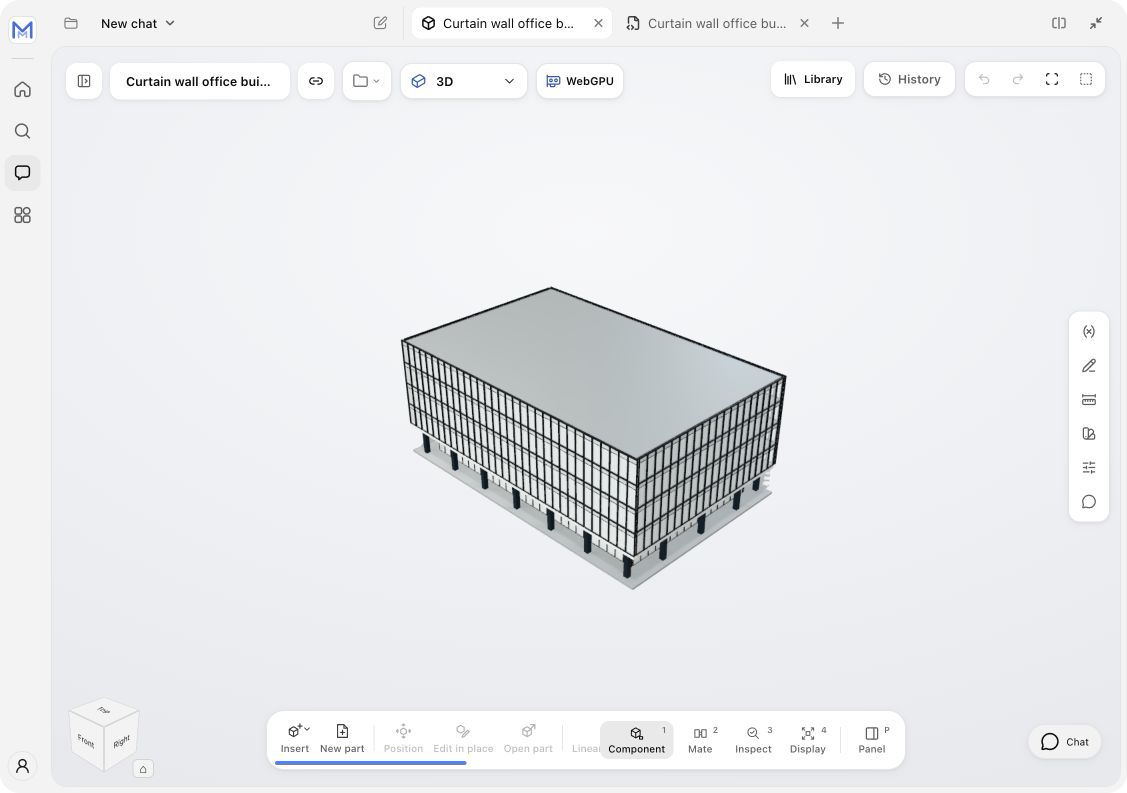
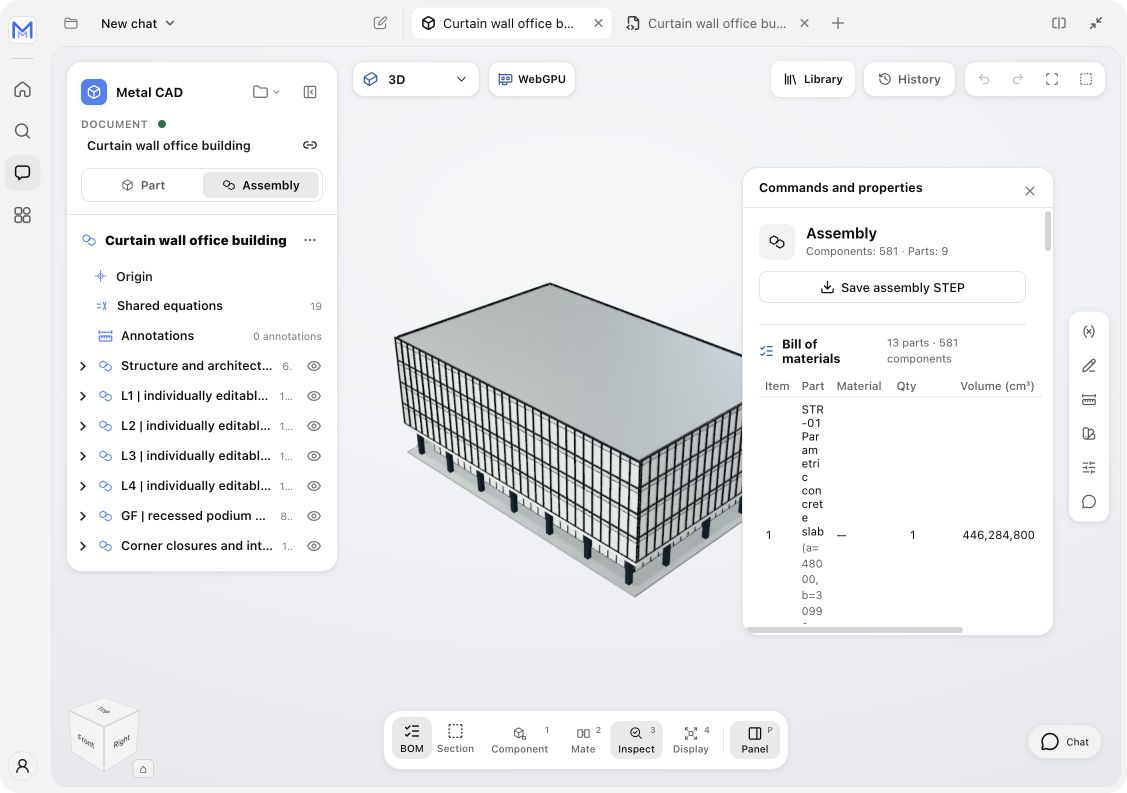
Mate parts by picked faces and edges, edit in place, and keep thousands of bodies interactive with instancing.
Standard and mechanical mates
Gear, belt, chain and rack couplings
Section views and tree highlighting
Agent Adds named parts to your assembly; mates follow them.
Stadium concept · 641 components · generated through MCP
03
Simulate the model you see.
Structural, mold-fill, air and mechanism studies run from the model file and paint the result on the geometry — with their limits.
Von Mises stress and displacement
Fill time, airflow speed and pressure
Hot spots read from the solver grid
Agent Sets the study up, runs it and reads the hot spots back.
Mold filling · front-speed estimate
04
Draw from the model.
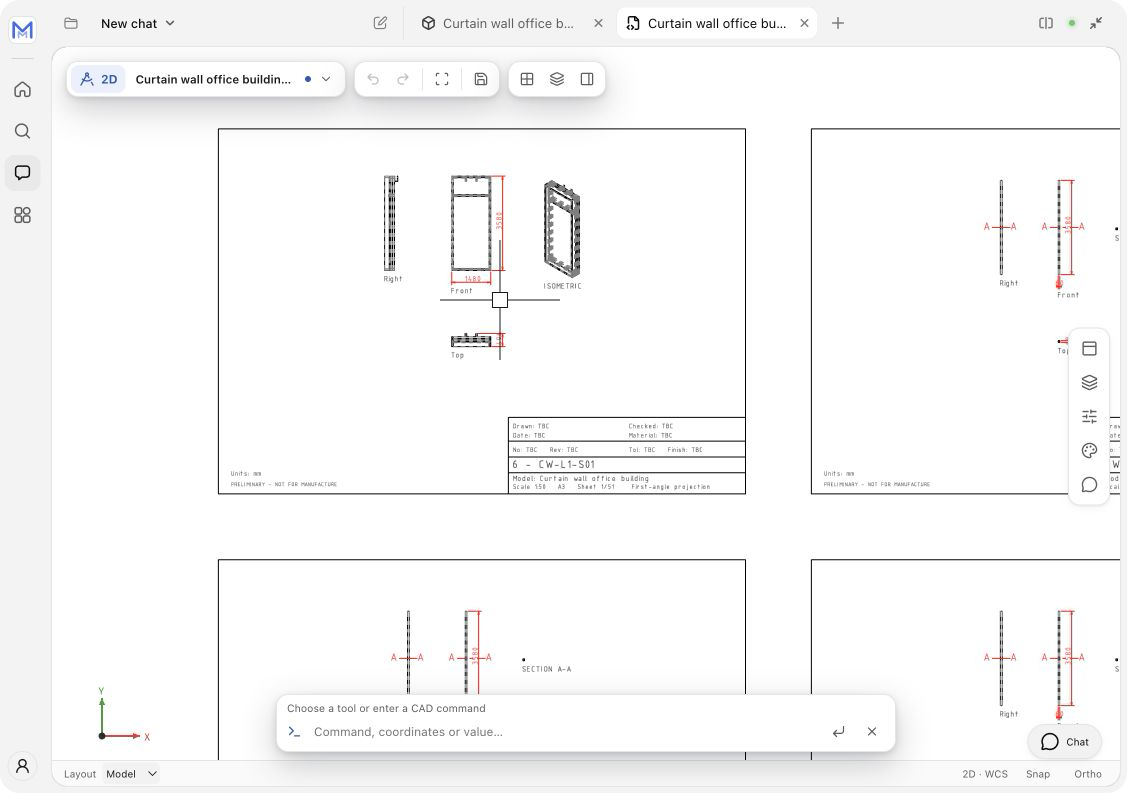
Views, sections and title blocks become native drawing sheets linked to the model — they go stale and update when it changes.
Real-size sheets with projected views
One sheet per part or all in one DXF
Edit in the embedded 2D editor
Agent Draws sheets from the model, or restyles existing drawings to a template.
Tower crane sheets · drawn from the model
05
Every version, readable.
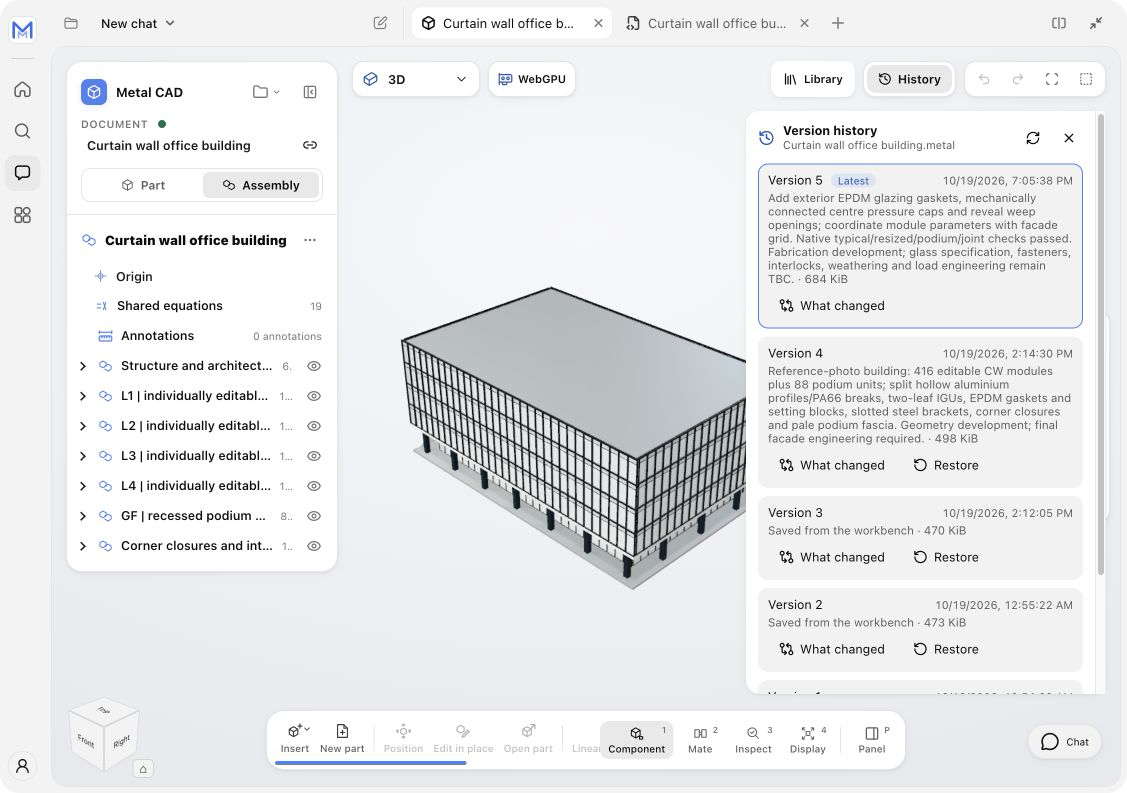
Each save keeps a note and a diff of parts, features, mates and parameters. Restore any earlier version as the next one.
What changed, as a list
Where-used across linked files
Sub-assemblies pinned by version
Agent Compares what its change did and may not finish a run unreviewed.
floorH · 3× speed · fixed camera
Stadium concept · 641 components · generated through MCP
Mold filling · front-speed estimate
Tower crane sheets · drawn from the model
04 · Runs anywhere
Open a link. That's the install.
The CAD kernel runs on the Metal host, so the device only draws and edits. A light laptop is enough for a large assembly.
Browser preview
Browser preview
Browser
A modern browser. Nothing to install, nothing to update.
Desktop app
The same workspace in its own window.
iPadPreview
Native shell for the same workspace.
iPhonePreview
Review models and follow agent runs.
05 · CLI & MCP
Bring your own agent. Same tools, outside the app.
The metal CLI gives Claude Code, Codex or any MCP client the same tools Metal's own agent uses. It edits a .metal file, Metal builds and measures it on the kernel, and the open web page follows each saved version.
One command to connect.metal mcp works in any MCP client.
Numbers from the kernel. Every size it reports was measured, with evidence.
Plain files. A model is JSON you can diff, review and keep in git.
# add Metal's tools to Claude Code$ claude mcp add metal -e METAL_PROJECT=<project> -- metal mcp> make an L-bracket, 4 mm wall, two M6 holes, then check it metal_build bracket.metal built · picture metal_measure wall from kernel metal_check bracket.metal no interference metal_put saved v3 page updated
Feature history, parameters, size tables, a text view of the history.
Assemblies & mates
Edit in place, fixed parts, patterns, mechanical couplings.
Drawings
Native sheets from the model, linked and updatable.
Simulation
Structural, mold fill, air and mechanism studies.
Materials & BOM
24 typical grades, mass from measured volume, CSV export.
Version history
Notes, diffs, where-used, restore.
Open CAD files
STEP, IGES, Rhino .3dm and DXF with structure kept.
English & Vietnamese
The whole interface, chat included.
08 · Questions
Straight answers.
Which surface continuity does Metal support?
Fill and blend surfaces take G0 (position), G1 (tangent) or G2 (curvature) continuity at the edges they meet. B-spline surfaces, guided sweeps, centerline lofts, sewing to a solid and thickening are available alongside.
Does it really run in a browser?
Yes. The workspace is a web app; the CAD kernel runs on the Metal host, so the device only draws and edits. The same workspace ships as a desktop app, and an iPad / iPhone app is in preview.
Which coding agents can use it?
Anything that speaks MCP — Claude Code and Codex are documented — or anything that can run a command. The metal CLI and its MCP server expose the same build, check, measure, simulate and drawing tools.
Can the agent make up dimensions?
No. Sizes, volumes, gaps and walls come from the kernel with their evidence. Pictures are previews for judging shape, never the source of a number.
Bring a part, a surface, or an agent.
Tell us what you build and which tools you use. We will show you how it looks in Metal.